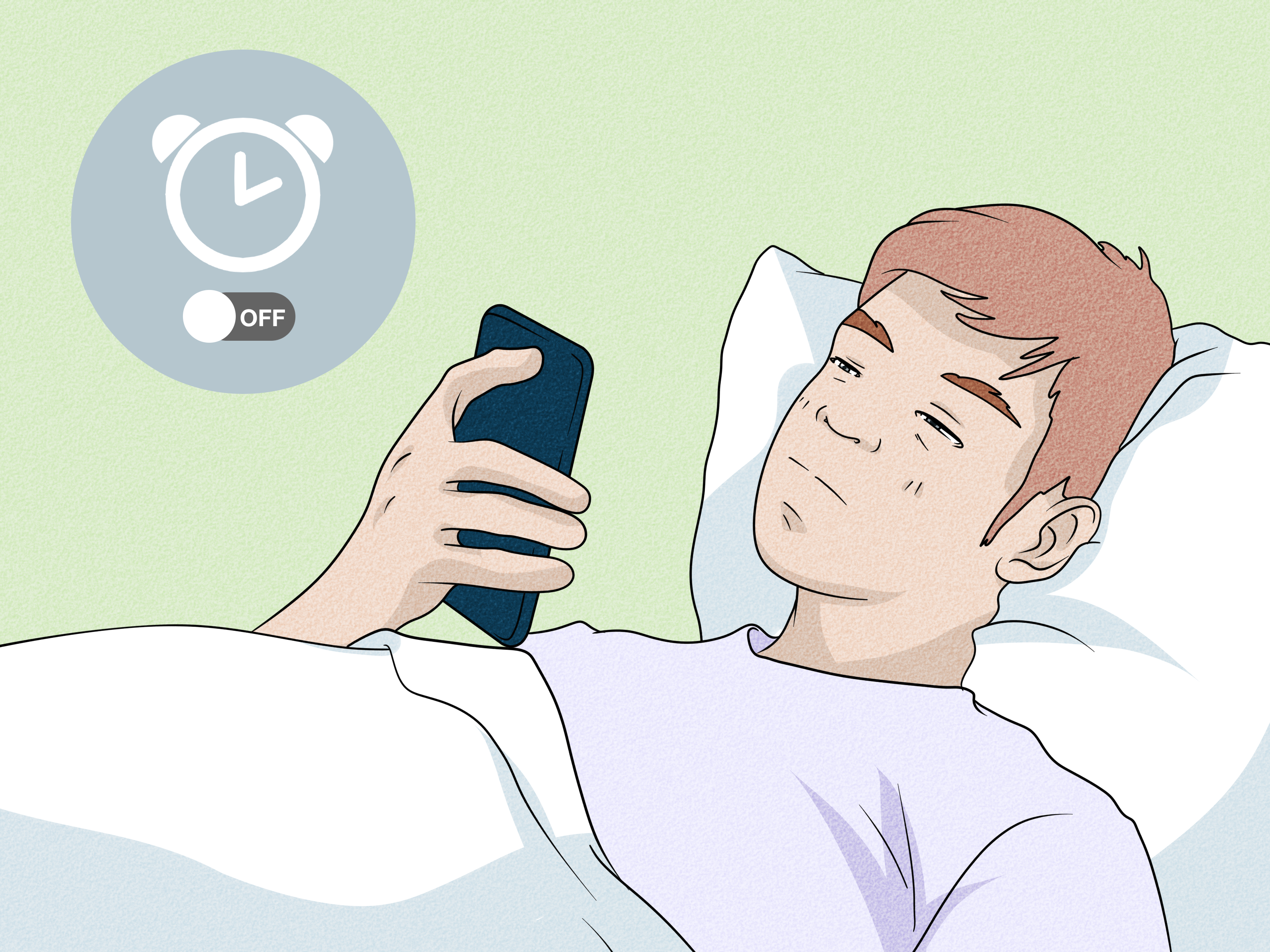
If you’ve ever gone to bed with your iPhone in Do Not Disturb mode and then stared at the ceiling wondering, “Did I just sabotage tomorrow?”, take a breath. The good news is simple: yes, your iPhone alarm will still go off in Do Not Disturb mode. In fact, Apple’s built-in alarm is designed to cut through Do Not Disturb, Silent mode, and other Focus settings. So your late-night attempt to mute group chats, mystery shopping alerts, and that one friend who texts “u up?” at 12:47 a.m. does not automatically doom your morning.
That said, there’s a catch hiding in the fine print of real life. An iPhone alarm can still fail to wake you if the volume is too low, the alarm sound is set incorrectly, the phone is turned off, or one of a few sneaky settings gets in the way. So the short answer is “yes,” but the smarter answer is “yes, if the alarm is set up correctly and your phone isn’t accidentally working against you.”
In this guide, we’ll break down how iPhone alarms behave in Do Not Disturb mode, what Focus modes actually silence, why some people still miss alarms, and how to make sure your iPhone alarm is loud enough to do its job. Because “I overslept” is awkward. “My phone and I had a misunderstanding” is somehow worse.
The Short Answer: Will an iPhone Alarm Go Off in Do Not Disturb Mode?
Yes. If you use the built-in Clock app on your iPhone, your alarm should still sound even when Do Not Disturb is turned on. The same goes for other Focus modes, including Sleep Focus. Do Not Disturb is meant to silence incoming calls, texts, and app notifications, but it does not normally block your scheduled alarm.
This is exactly why so many people use Do Not Disturb at night in the first place. It keeps the digital circus quiet while still letting the alarm do its one sacred job: dragging you back into consciousness at an unreasonable hour.
So if your main concern is whether enabling Do Not Disturb will mute tomorrow morning’s alarm, you can relax. Under normal conditions, it won’t.
Why the Alarm Still Rings in Do Not Disturb
To understand why the alarm still works, it helps to know the difference between an alarm and a notification. Do Not Disturb is designed to manage interruptions from outside sources. Think phone calls, message alerts, social apps, calendar nudges, and other “look at me right now” interruptions. An alarm, on the other hand, is a system-level event that you created inside the Clock app. It is supposed to break through.
That’s why Apple treats alarms differently from routine notifications. Your iPhone assumes that if you deliberately set a 6:00 a.m. alarm, you probably want it to ring even if the rest of the phone is in monk mode.
This behavior is especially helpful for people who rely on Focus modes to sleep better. You can keep your phone from buzzing all night while still trusting the alarm to sound in the morning. It’s one of the rare examples of technology being both quiet and useful at the same time.
What Do Not Disturb Actually Silences
Do Not Disturb does not turn your iPhone into a brick. It mainly reduces interruptions. Depending on your settings, it can silence or limit:
- Incoming phone calls
- Text messages and iMessages
- App notifications
- Notification banners on the Lock Screen
- Repeated buzzing from apps you forgot existed
Focus modes can also be customized. You can allow certain people, apps, or urgent interruptions through. Sleep Focus goes even further by helping create a bedtime routine with fewer distractions. But again, your regular Clock app alarm is still expected to ring.
That’s why the phrase “Do Not Disturb” is a little dramatic. A more accurate label would be “Do Not Disturb Me Unless I Specifically Set an Alarm Because Adult Responsibilities Exist.” But that version probably would not fit nicely in Control Center.
When Your iPhone Alarm Might Not Wake You Up Anyway
Here’s where things get interesting. People often assume Do Not Disturb is the problem when an alarm does not wake them, but the real issue is usually something else. If your iPhone alarm is not going off in a useful way, one of these common reasons may be to blame.
1. The Alarm Volume Is Too Low
On iPhone, alarm loudness is tied to the Ringtone and Alerts volume setting. If that slider is too low, your alarm may technically go off but sound more like a polite suggestion than a wake-up call. This is one of the most common reasons people think their iPhone alarm failed.
If your alarm seems too quiet, go to Settings > Sounds & Haptics and raise the Ringtone and Alerts slider. Test it while you’re awake, not at 6:58 a.m. while panic-dressing for work.
2. “Change with Buttons” Causes Accidental Volume Changes
If Change with Buttons is turned on, it is easy to lower the ringer and alert volume without realizing it. That means your alarm volume can drift downward after a few casual button presses in your pocket, purse, or hand. If you keep wondering why your iPhone alarm suddenly sounds shy, this setting is worth checking.
Many people prefer turning this option off so the side buttons do not accidentally sabotage the next morning.
3. The Alarm Sound Is Set to None
This one is sneaky. If an alarm’s sound is set to None, the phone may vibrate without playing an audible tone. That can be fine if the iPhone is on your chest in a silent movie. It is less helpful if the phone is six feet away on a nightstand and you sleep like a hibernating bear.
Always open the specific alarm and confirm that an actual sound is selected.
4. The iPhone Is Turned Off
If the iPhone is powered off, the alarm will not go off. This is a major difference from some older devices that could wake themselves for alarms. Modern iPhones need to remain powered on for the built-in alarm to work. So if you shut the phone down completely at night, the alarm will not rescue you in the morning.
Do Not Disturb is fine. Powering the phone off is not.
5. Sleep Schedule Settings Can Confuse People
If you use Apple’s Sleep schedule in the Health app, you may have a separate wake-up alarm in addition to regular alarms in the Clock app. Sometimes users think their “alarm is set” when only one system is active, or they turn off the next wake-up alarm without realizing it. If you use Sleep Focus, double-check which alarm you’re relying on.
In other words, your iPhone may not be broken. It may simply be following instructions you forgot you gave it.
6. Attention Aware and Recent Alarm Complaints
Apple says Attention Aware features can lower the volume of certain alerts when the iPhone detects that you are looking at the screen. In recent years, some users and tech publications have also reported “silent alarm” problems or alarms that seemed too quiet, with Attention Aware mentioned as one possible factor to check. It is not the same thing as Do Not Disturb, but it often gets blamed in the same conversation because the end result is identical: a very bad morning.
If your iPhone alarm has been oddly quiet, turning off Attention Aware features is a reasonable troubleshooting step.
How to Make Sure Your iPhone Alarm Actually Wakes You Up
If you want maximum confidence, follow this checklist before bed:
- Use the built-in Clock app alarm
- Confirm the correct time and days are selected
- Choose a loud alarm sound instead of None
- Raise the Ringtone and Alerts volume
- Consider turning off Change with Buttons
- Keep the iPhone powered on and charged
- Review any Sleep schedule alarms in the Health app
- Test the alarm once while you’re awake
- If alarms have been oddly soft, check Attention Aware settings
This takes maybe two minutes and can save you from that stomach-dropping moment when you wake up naturally, see sunlight, and realize the sun has been awake longer than you have.
How to Test the Alarm Before You Trust It
A smart move is to do a test run. Turn on Do Not Disturb, set an alarm for two minutes from now, lock the phone, and wait. If the alarm sounds properly, great. If it barely whispers, adjust the volume and sound settings immediately.
This simple test tells you far more than guessing ever will. It also helps confirm that the issue is not Do Not Disturb mode itself, but something more practical like a low alert volume or a poor sound choice.
What About Silent Mode, Sleep Focus, and Headphones?
Here’s another bit of good news: your iPhone alarm is also meant to sound in Silent mode, and Apple’s guidance says it should still sound even if Do Not Disturb or another Focus is enabled. Apple also notes that the alarm sounds even when headphones are connected. That makes the built-in alarm more reliable than many people assume.
Sleep Focus works much like Do Not Disturb for bedtime, reducing distractions overnight. It is not designed to block your wake-up alarm. In fact, Sleep Focus and sleep schedules are built around the idea that your alarm still needs to wake you at the right time.
So if you want fewer interruptions overnight, using Do Not Disturb or Sleep Focus is often smarter than leaving your phone fully exposed to every buzz, ping, and breaking-news alert about celebrity skincare.
Common Myths About iPhone Alarms and Do Not Disturb
Myth: Do Not Disturb silences everything
Nope. It silences or limits many notifications, but your alarm is treated differently.
Myth: If the alarm didn’t wake me, Do Not Disturb must be the reason
Usually not. More often, the issue is low alert volume, a bad sound setting, the wrong alarm time, a disabled wake-up alarm, or a device-specific glitch.
Myth: Sleep Focus is the same as turning alarms off
Not at all. Sleep Focus is designed to reduce distractions while preserving your planned wake-up routine.
Myth: Silent mode and Do Not Disturb are basically the same thing
They overlap a little, but they are not identical. Silent mode affects general sound behavior, while Do Not Disturb and Focus manage interruptions and permissions. Your Clock app alarm is designed to get through both.
So, Should You Use Do Not Disturb at Night?
Honestly, yes. For many people, Do Not Disturb at night is one of the most useful iPhone features. It cuts down on late-night noise, helps reduce sleep interruptions, and still allows your morning alarm to do its job. It is a practical way to make your phone less chaotic without making it useless.
The key is not to fear Do Not Disturb. The key is to set up your alarm properly. Once you do that, the feature becomes your friend, not your morning villain.
Final Verdict
Will your iPhone alarm go off in Do Not Disturb mode? Yes. Under normal conditions, the built-in iPhone alarm still rings when Do Not Disturb, Sleep Focus, Silent mode, or another Focus mode is on. The bigger risks are usually low alarm volume, the wrong sound settings, a powered-off phone, or a few overlooked options that make the alarm too quiet to be useful.
So go ahead and turn on Do Not Disturb before bed. Mute the chaos. Silence the nonsense. Just make sure your alarm volume is high enough to wake the version of you who swears every night that tomorrow will be different.
Experience-Based Scenarios: What This Feels Like in Real Life
One of the most common experiences people have with this topic goes something like this: they turn on Do Not Disturb because they are tired of being jolted awake by random notifications, then immediately worry they have made a terrible mistake. This usually happens around bedtime, when logic is weak and anxiety is weirdly strong. The next morning, the alarm rings right on time, and suddenly Do Not Disturb feels less like a threat and more like a life upgrade.
Another familiar experience comes from people who use Sleep Focus. They love the idea of a calmer bedtime routine, but after setting it up, they start second-guessing whether the wake-up alarm will still break through. In practice, most find that the alarm still works as expected, while the rest of the night is far quieter. For parents, students, shift workers, and light sleepers, that can be a huge relief. Instead of hearing every group-chat reaction and shopping app promotion, they wake only for the thing that actually matters.
Then there is the “my alarm went off, but it was way too quiet” crowd. This experience is probably the biggest source of confusion. These users often think Do Not Disturb muted the alarm, when what really happened is the alert volume was low, the alarm sound was weak, or a setting like Change with Buttons quietly reduced the volume over time. The alarm technically did its job, but with the energy of someone knocking once on a door and leaving.
Travelers also run into interesting situations. Many people enable Do Not Disturb in hotels because they do not want overnight interruptions, yet they still rely on the iPhone as their only alarm clock. Usually, that setup works perfectly well. The bigger issue tends to be human error: forgetting to plug the phone in, confusing time zones, or setting a weekday alarm for the wrong day. In those cases, Do Not Disturb gets blamed for crimes it did not commit.
There are also users who became extra cautious after hearing reports about quiet or silent iPhone alarms. Their experience tends to change their routine. They test alarms before bed, raise the Ringtone and Alerts slider, and sometimes turn off Attention Aware features if alarms have been acting strange. This may sound a little dramatic, but anyone who has ever overslept for a flight, an exam, or a job interview knows that “dramatic” is just another word for “properly motivated.”
Overall, the real-world experience is pretty consistent: Do Not Disturb itself is usually not the enemy. In fact, many people end up loving it because it removes late-night distractions without sacrificing the morning alarm. Once the alarm is set correctly and the volume is tested, the experience is typically smoother, quieter, and much less stressful. In short, your iPhone can absolutely let you sleep in peace and still wake you on time. That’s the dream, literally.