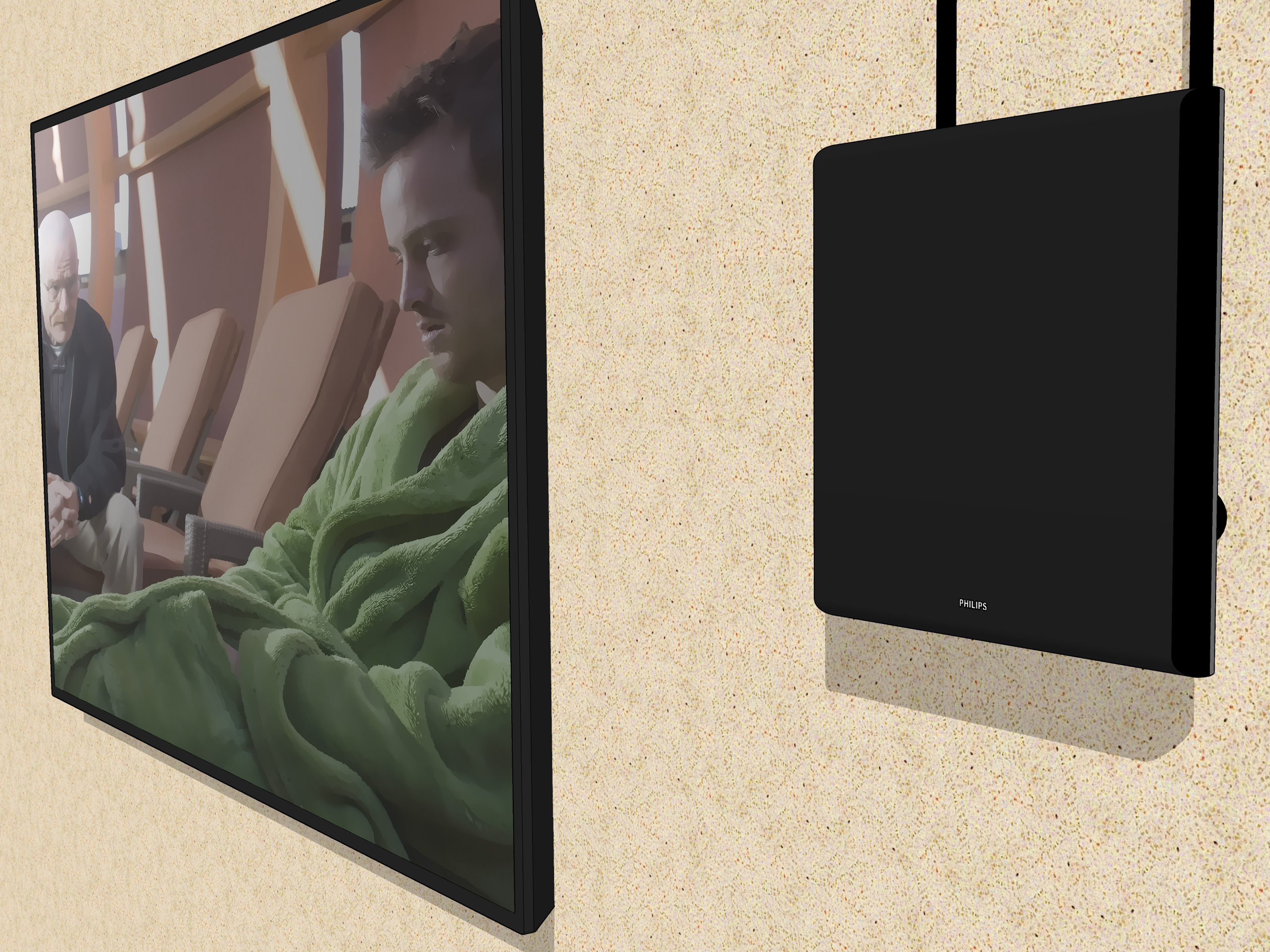
Local television is where you find severe-weather warnings, nearby election results, community news, network sitcoms, Sunday football, and reporters standing beside suspiciously large potholes. Traditionally, receiving ABC, CBS, FOX, NBC, PBS, and other local stations meant connecting an antenna or paying a cable company. Today, your internet connection can do most of the heavy lifting.
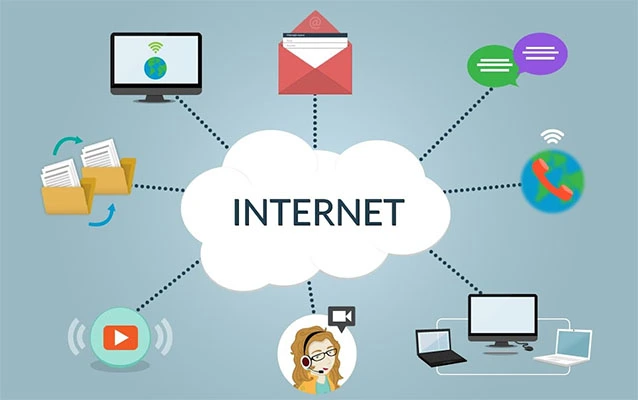
You can get local channels on a smart TV without an antenna by using a live TV streaming service, a network-specific subscription, a free local-news app, or an app operated by your local station. The best method depends on whether you want complete broadcast channels or simply local news, weather, and emergency coverage.
The important catch is that local channel availability is based on your television market and ZIP code. A service that carries all four major networks in Chicago may offer only two of them in a smaller market. Therefore, always check the local lineup before entering a credit card number. Your wallet will appreciate this tiny act of detective work.
Can You Watch Local Channels Without an Antenna?
Yes. A smart TV can stream local programming through the internet instead of receiving broadcast signals through an antenna. Most current smart TVs from Samsung, LG, Sony, TCL, Hisense, Vizio, and other manufacturers include downloadable streaming apps. TVs powered by Roku TV, Google TV, Android TV, or Amazon Fire TV also provide access to large app libraries.
There are three main types of internet-based local television:
- Complete local station feeds: These usually include the station’s full schedule, such as morning news, daytime programs, network prime-time shows, sports, and late-night television.
- Local news streams: These focus on newscasts, weather, traffic, and breaking stories rather than the complete ABC, CBS, FOX, or NBC schedule.
- On-demand local content: These apps provide recently aired newscasts and individual reports but may not stream continuously.
Knowing which type you need can save considerable money. Someone who wants every NFL game and prime-time drama needs a different setup from someone who checks the weather each morning and occasionally watches city council members argue about parking.
Method 1: Subscribe to a Live TV Streaming Service
A live TV streaming service is the closest internet-based replacement for cable. These services deliver local broadcast stations, cable networks, a program guide, and cloud DVR features through an app. No roof climbing, coaxial cable, or mysterious metal rabbit ears are required.
YouTube TV
YouTube TV is one of the most straightforward options for households seeking broad local-channel coverage. Its primary plan includes more than 100 channels and carries live local sports, news, and entertainment from networks such as CBS, FOX, and NBC, subject to regional availability. It also offers unlimited cloud DVR storage, household profiles, and support for major smart TV platforms. YouTube TV asks users to enter a home ZIP code to view the exact local lineup.
This service is especially convenient for families that record a large amount of television. Instead of conducting advanced mathematics to determine whether another episode will fit on the DVR, users can simply record it and return later.
Hulu + Live TV
Hulu + Live TV combines a cable-style channel lineup with Hulu’s on-demand library. Its current lineup includes more than 95 live and local channels in supported markets, with major networks such as ABC, CBS, FOX, NBC, and PBS appearing according to location. Unlimited DVR recording is also included.
This can be a strong value for households that already watch Hulu, Disney+, or other services included in the package. However, do not assume that every local affiliate is available everywhere. Enter your ZIP code on Hulu’s channel checker before subscribing.
Fubo
Fubo is best known for sports, but it also provides substantial local-channel coverage. In many major markets, Fubo carries ABC, CBS, FOX, NBC, The CW, Telemundo, MyNetworkTV, and selected independent stations. The exact stations depend on the subscriber’s location and plan.
Fubo may appeal to viewers who want local sports alongside national and regional sports programming. Be sure to examine the full package, including any regional sports charges, instead of focusing only on the advertised starting price.
DIRECTV
DIRECTV’s internet-based service carries local stations, national networks, and, in selected packages and markets, regional sports networks. It works through supported smart TVs, streaming devices, mobile apps, and web browsers without requiring a satellite dish. Local stations still vary by ZIP code and package.
The interface is relatively familiar to people moving from traditional cable or satellite television. That can make the transition easier for household members who believe every new app was designed specifically to hide the channel guide.
Sling TV
Sling TV can be less expensive than some full-service competitors, but its local coverage is narrower. Selected Sling plans include certain FOX, NBC, or other local stations in supported markets, while Sling Orange does not include local channels. Availability depends heavily on location.
Sling is worth considering when its streamed local stations match your needs. However, it is not usually the best antenna-free solution for viewers who require ABC, CBS, FOX, NBC, PBS, and The CW in one package.
Method 2: Use Network-Specific Streaming Services
If you need only one major network, a network-specific subscription may cost less than a full live TV package. This approach works particularly well for viewers who mainly watch CBS or NBC.
Watch a Local CBS Station With Paramount+
Paramount+ Premium includes access to a live local CBS station in supported markets. The local feed can include CBS news, prime-time shows, special events, and sports. Paramount+ states that its Premium plan provides the live CBS feed, while lower-tier access may be more limited.
This is a practical option for viewers whose must-have programs are primarily on CBS. The CBS app can also provide a local CBS live stream when users sign in with an eligible participating television provider, although that does not eliminate the need for an existing provider subscription.
Watch a Local NBC Station With Peacock
Peacock Premium Plus provides a live, 24-hour local NBC channel on supported devices. Peacock assigns the station according to the device’s geolocation, and the available station can change when the device moves to another market. The live local feed contains advertising, and some programming may be affected by regional restrictions or blackouts.
Peacock is useful when NBC is your primary concern and you also enjoy NBCUniversal shows, movies, and sports. It does not replace ABC, CBS, FOX, PBS, or other local stations.
What About ABC and FOX?
ABC and FOX programming may be available through participating live TV providers, network apps, local-station apps, or free news streams. However, downloading a network app does not automatically unlock a full local broadcast feed. Some live content requires authentication through a participating TV provider.
For complete local ABC and FOX stations without an antenna, a broad live TV service such as YouTube TV, Hulu + Live TV, Fubo, or DIRECTV is generally the more dependable approach.
Method 3: Stream Local PBS for Free
Many PBS member stations offer a free livestream through PBS.org and the PBS app. You generally need to be physically located within the station’s service area. An account may be required when watching through a connected television or streaming device, even when the livestream itself does not require a paid PBS Passport membership.
To set it up, install the PBS app from your TV’s app store, create or sign in to a PBS account, choose your local member station, and open the live television section. PBS availability can differ by station because the system is built around independently operated local member stations.
Method 4: Use Free Local News Apps
You do not necessarily need a monthly subscription to watch local news on a smart TV. Several free, advertising-supported apps aggregate local newscasts, weather reports, and community coverage.
Local Now
Local Now offers free local news, weather, entertainment channels, movies, and other programming. Its app provides geographically relevant content and is available on various connected devices. It is useful for quick updates, although it should not be confused with a complete replacement for every local broadcast station’s schedule.
CBS News
The CBS News app provides free live news around the clock and supports smart TVs and popular streaming platforms. CBS also operates free local news streams for a number of major markets. These streams are excellent for breaking news and weather but do not necessarily include the full entertainment schedule of a local CBS affiliate.
Very Local
Very Local provides live and on-demand news, weather, original programming, and local stories from participating markets. It supports platforms including Samsung smart TVs, Android TV, Apple TV, Amazon Fire TV, and Roku. Coverage depends on whether the service supports your city or a nearby market.
Station-Owned Apps
Search your smart TV’s app store for the call letters or name of your local station. Many broadcasters operate free apps with live newscasts, weather radar, breaking-news coverage, and replayed reports. Try searches such as “WABC,” “KTVU,” “local news,” or the name of your city followed by “news.”
Station apps are often the best free solution for truly local information. National streaming platforms may know that a storm exists; a local meteorologist knows which highway underpass is already turning into a community swimming pool.
How to Install Local Channel Apps on a Smart TV
- Connect the television to the internet. Use Wi-Fi or, when possible, an Ethernet cable for a more stable connection.
- Open the TV’s app store. The name may be Apps, Content Store, Channel Store, Play Store, or Appstore.
- Search for the service. Look for YouTube TV, Hulu, Fubo, DIRECTV, Sling, Paramount+, Peacock, PBS, Local Now, or your local station.
- Install and launch the app. Sign in directly or use the activation code displayed on the television.
- Allow location access when appropriate. Local stations are usually selected through your home ZIP code, internet address, or device location.
- Check the live guide. Confirm that the station call signs match your actual market.
If your television does not support the app, connect a Roku, Fire TV, Google TV, or Apple TV streaming player through HDMI. A small streaming device is often cheaper than replacing an otherwise perfectly good television that has merely become grumpy about modern apps.
How Much Internet Speed Do You Need?
A stable broadband connection is more important than an extremely fast advertised speed. One high-definition stream commonly works well with approximately 10 Mbps of consistent bandwidth, but a household with multiple televisions, video calls, security cameras, and gaming systems may need considerably more capacity.
For reliable viewing, place the Wi-Fi router in an open, central location, use the 5 GHz or 6 GHz band when the television is nearby, and consider Ethernet for the primary TV. Avoid hiding the router behind a television, inside a metal cabinet, or beneath a decorative collection of objects apparently designed to defeat radio signals.
Why Is the Wrong Local Station Appearing?
Streaming services determine your market through your home ZIP code, billing address, internet provider, and device location. If the wrong station appears, first disable any VPN or location-masking service. Then restart the TV and router, update the app’s location setting, and confirm the home area in your account.
Peacock, for example, assigns its live NBC station using device geolocation, while services such as YouTube TV require users to establish and periodically verify a home area.
Common Limitations to Understand
Local Lineups Can Change
Streaming services negotiate carriage agreements with station owners. A station may be added, temporarily removed, or replaced by on-demand network programming. Always check the lineup immediately before subscribing rather than relying on an old review or a cousin who tested the service three years ago.
Blackouts Still Exist
Sports leagues and broadcasters may restrict certain games according to location and media rights. Paying for a local channel does not guarantee access to every sporting event. Sling and Peacock, among others, warn that selected programming can be affected by blackout or regional restrictions.
Free News Is Not the Same as a Full Channel
A free app may show the 6 p.m. newscast but not the network’s prime-time drama, daytime talk show, or nationally televised sports. Read the service description carefully to determine whether it provides a full affiliate feed, a news-only channel, or on-demand clips.
Which Antenna-Free Option Is Best?
Choose a full live TV service when you want several major local networks, national cable channels, sports, and DVR features in one interface. YouTube TV, Hulu + Live TV, Fubo, and DIRECTV are the main services to compare. Consumer Reports also identifies these providers, along with Sling and other platforms, as major cable-replacement services, but their prices and channel combinations differ substantially.
Choose Paramount+ Premium when CBS is the main channel you need. Choose Peacock Premium Plus when your priority is a live local NBC station. Use the PBS app for participating local PBS livestreams. Choose free services such as Local Now, CBS News, Very Local, or a station-owned app when local news and weather matter more than a complete broadcast schedule.
Practical Experience: Building an Antenna-Free Local TV Setup
The most successful antenna-free setup usually begins with a list, not an app download. Write down the exact stations and programs your household watches for one week. This exercise can produce surprising results. A family may insist that it needs “all the local channels” but discover that it watches only the NBC evening news, two CBS dramas, one FOX football game, and PBS on Sunday. That viewing pattern may be served by a combination of Peacock, Paramount+, PBS, and a free local-news app for less than a full cable-replacement package.
Imagine a household in a medium-sized U.S. television market. The family first installs a free local-news app and the PBS app. Weather coverage, school closures, community reporting, and PBS programming work without a large monthly bill. The setup feels successful until football season arrives and the desired games are divided among CBS, FOX, NBC, and national sports networks. At that point, a broad live TV service becomes more practical than managing several separate subscriptions.
Another household may have the opposite experience. It subscribes to an expensive live TV package because the channel list looks impressive, only to use five stations regularly. After reviewing its viewing history, the family replaces the large package with Peacock Premium Plus for NBC, Paramount+ Premium for CBS, and free station apps for local news. The monthly savings are meaningful, although switching between apps is less elegant than using one unified guide.
The installation process is normally simple, but account activation can create small moments of domestic theater. Smart TV apps often display a short code that must be entered on a phone or computer. Using this method is usually faster than typing a 20-character password with arrow buttons while the television repeatedly highlights the letter next to the one you wanted.
Location errors are the most common surprise. A television may receive the wrong affiliate because an internet provider routes traffic through a nearby city. VPN software can create an even stranger result, making a living-room television believe it has moved across the country without packing a single box. Turning off the VPN, updating the home location, and restarting the app usually resolves the problem. When it does not, customer support may need to correct the assigned market.
Wi-Fi quality also shapes the experience more than many people expect. A speed test may report excellent internet near the router while the television struggles in a distant room. Live video is less forgiving than browsing a webpage. Moving the router, adding a properly positioned mesh access point, or using Ethernet can eliminate buffering more effectively than purchasing an unnecessarily expensive internet plan.
It is also wise to test a service during the programs that matter most. A channel lineup page may say that FOX is available, but you should confirm the actual affiliate, picture quality, delay, DVR behavior, and sports access. Test the evening news, a live game, and a recording before ending any trial period. Do not wait until kickoff to discover that the app needs an update and your password was last seen during a previous geological era.
Finally, review subscriptions every few months. Streaming prices, packages, and carriage agreements change. Sports seasons end, favorite shows go on hiatus, and households develop new viewing habits. An antenna-free local TV setup works best when treated as flexible rather than permanent. Subscribe to the coverage you need now, cancel what you are not using, and recheck local availability before switching services.
Conclusion
Getting local channels on a smart TV without an antenna is entirely possible, but there is no single perfect service for every ZIP code. Full live TV platforms offer the most complete cable-like experience, while Paramount+, Peacock, PBS, free news services, and local-station apps can create a more affordable customized setup.
Begin by identifying the stations you genuinely watch. Check each provider’s ZIP-code lineup, confirm smart TV compatibility, and test live programming before committing. With the right combination of apps, your smart TV can deliver local news, weather, network shows, and sports without an antennaand without asking anyone to climb onto the roof carrying a wrench.
Note: Channel availability, subscription prices, supported devices, local affiliates, and broadcast rights can change. Verify the current lineup for your ZIP code before purchasing a plan.