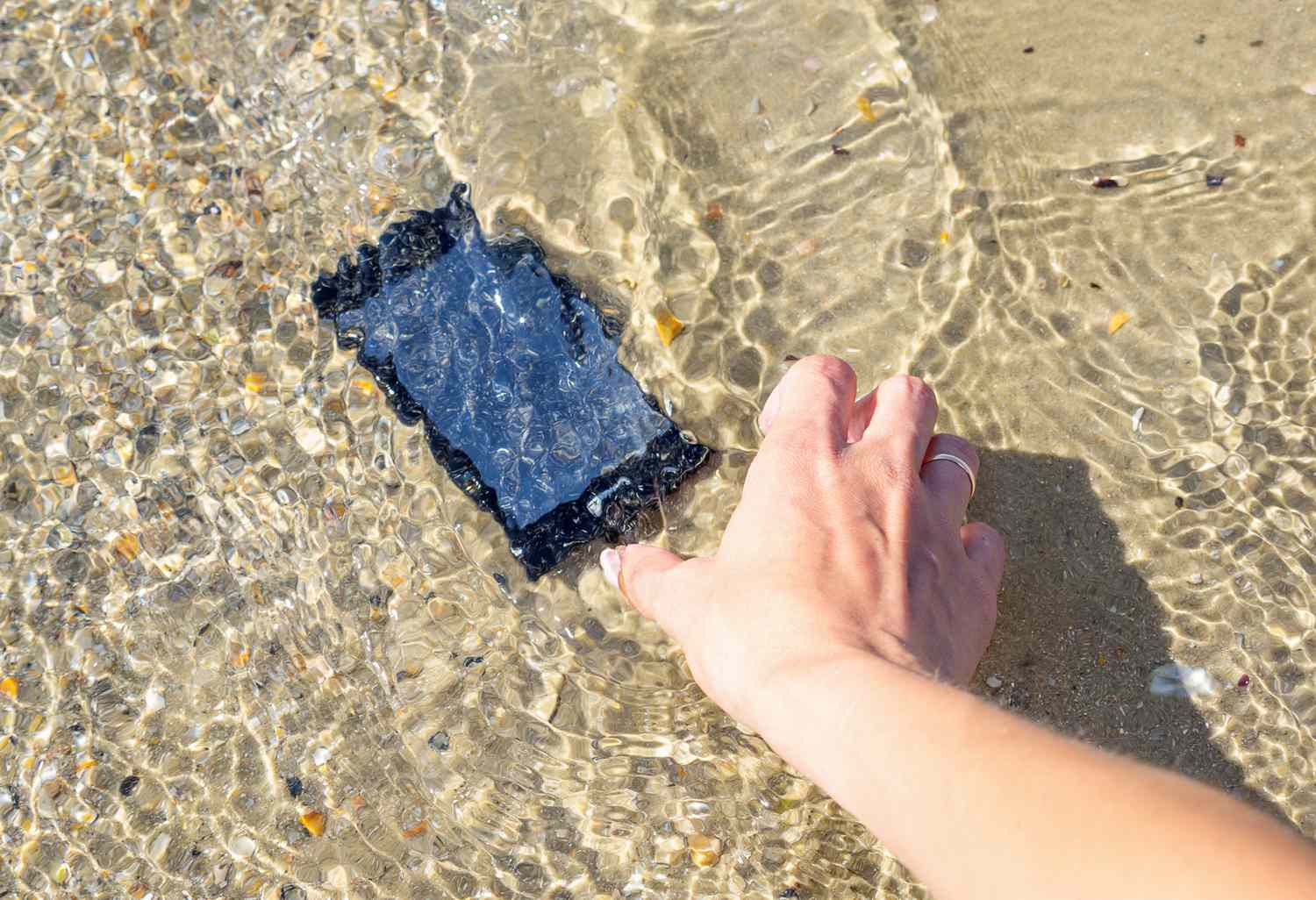
If you have ever stood over a sink with your phone in one hand and a rising sense of doom in the other, welcome. You are among friends. The iPhone 16 is one of those devices people trust with their photos, passwords, maps, payment apps, group chats, and probably at least one embarrassing note in the Notes app. So it is only fair to ask a very important question: how waterproof is the iPhone 16, really?
The honest answer is better than “not much,” but not as magical as “take it snorkeling and call it a camera.” The iPhone 16 is highly water-resistant, but it is not truly waterproof. That distinction matters. A lot. Marketing language can make modern phones sound like tiny submarines with OLED displays, but real life is messier than a lab test. Pools contain chlorine, oceans contain salt, showers blast water with pressure, and your phone’s seals age like all of us: not always gracefully.
So let’s break down what the iPhone 16 can actually handle, what it should absolutely not handle, and what to do if it takes an unexpected swim. Think of this as the practical guide for people who want the facts, not the fairy tale.
The Short Answer: Is the iPhone 16 Waterproof?
No. The iPhone 16 is not waterproof. It is water-resistant.
Apple rates the iPhone 16 lineup at IP68 under the IEC 60529 standard. In plain English, that means the phone is dust-tight and has been tested to survive in fresh water at a depth of up to 6 meters for up to 30 minutes under controlled laboratory conditions.
That sounds impressive, because it is. If your iPhone 16 falls into a sink, gets caught in the rain, takes a splash at the pool, or suffers a dramatic but brief toilet incident, it has a very good chance of being fine. But “fine in a controlled test” and “invincible in everyday life” are not the same thing. Apple is careful about that, and you should be too.
What IP68 Actually Means
The “IP” Part
IP stands for Ingress Protection. It is a standard used to show how well a device resists stuff trying to sneak inside, including dust and water. Think of it as a bouncer rating for your phone’s body.
The “6” Part
The first digit refers to solids. A 6 is the top score here, meaning the iPhone 16 is considered dust-tight. Sand, lint, and pocket mystery crumbs have a much harder time getting in.
The “8” Part
The second digit refers to water. An 8 means the device can survive immersion beyond 1 meter, with the exact depth and time set by the manufacturer. In Apple’s case, that is up to 6 meters for 30 minutes for the iPhone 16 lineup.
Here is the catch: an IP68 rating does not mean the phone is designed for every kind of water exposure. It does not automatically mean protection from high-pressure jets, steam, hot water, saltwater, chlorinated water, or repeated dunking for fun. In other words, the IP68 rating is a useful safety net, not a permission slip.
What the iPhone 16 Can Really Handle
This is where things get practical. If you are wondering what the iPhone 16 can manage in normal life, the answer is actually reassuring.
Rain and Everyday Splashes
A rainy walk, a splash near the sink, sweaty workouts, and the occasional splash from washing dishes are all within the kind of everyday exposure the iPhone 16 is built to tolerate. If your phone gets a little wet from ordinary life, that is not usually cause for panic.
Spilled Drinks
Apple specifically notes resistance to accidental spills from common liquids such as soda, coffee, tea, juice, and beer. That does not mean your phone should marinate in iced coffee like it is part of your breakfast order, but it does mean a surprise spill on the table is less likely to turn into a total disaster.
If a non-water liquid hits your phone, though, do not just wipe it and move on. Sugary, sticky, acidic, or oily liquids can leave residue and are harder on seals and surfaces than plain water. Rinse the affected area gently with tap water, then dry it properly.
Accidental Freshwater Dunking
If the iPhone 16 slips into a sink, shallow tub, or freshwater pool for a short time, it may survive without trouble. In fact, the official lab rating suggests it can withstand much more than a quick accidental drop. Still, real-world conditions are never as kind as lab conditions. A phone that is a few months old, has taken a few drops, or has had a repair may not perform like a factory-fresh device.
Dusty Environments
Because of the “6” in IP68, the iPhone 16 also handles dust very well. That is good news for beach bags, hiking trails, backyard projects, and cars that somehow generate enough interior dust to qualify as a geological event.
What the iPhone 16 Should Not Handle on Purpose
This is the section that saves wallets.
Swimming With It
Apple says not to swim or bathe with your iPhone. Yes, even if it has an IP68 rating. Water resistance is there for accidents, not underwater hobbies.
Showers
The shower is one of the sneakiest bad ideas. It combines water, heat, humidity, and pressure. That is a terrible little cocktail for electronics. If you bring your iPhone 16 into the shower for music, your playlist may survive, but your long-term seal integrity might not.
Pools, Ocean Water, and Hot Tubs
Chlorine and salt are not your phone’s friends. Neither are bubble bath chemicals, sunscreen, lotion, perfume, detergent, or anything else that sounds like it belongs in a spa day instead of a charging port. The iPhone 16 may endure a splash at the pool, but regular exposure to chemically treated water is asking a lot from tiny seals and adhesives.
High-Pressure Water
Water resistance does not mean “blast-proof.” Showers, water jets, water sports, and strong sprays can force water where still water might not. A calm accidental dunk is one thing. A pressurized stream is another story entirely.
Steam Rooms and Saunas
Steam is basically water with ambition. Heat and humidity can be rough on adhesives, seals, and internal components. So no, the iPhone 16 should not join you for a relaxing sauna session. It has enough going on already.
Why Water Resistance Gets Worse Over Time
This is the part many people miss. Water resistance is not a forever feature. Apple says splash, water, and dust resistance are not permanent conditions, and that resistance can decrease with normal wear.
That makes sense when you think about it. Phones get bumped, dropped, pocketed, heated, cooled, and charged daily. Tiny gaskets and adhesives can wear down. A fall onto concrete may not crack the screen, but it can still stress the enclosure. Even authorized repairs can change how the phone behaves around water unless the device is reassembled perfectly.
So if your iPhone 16 is brand new, it may be closer to its rated performance. If it is older, repaired, or has lived a hard life in the bottom of gym bags and cup holders, it is smarter to treat it as less water-resistant than day one.
What to Do If Your iPhone 16 Gets Wet
If water exposure happens, do not panic and do not do anything dramatic. This is not the time for a hair dryer, oven, or a rice funeral.
Step 1: Unplug It
If the iPhone is connected to a cable or accessory, unplug it. Do not charge it while it is wet.
Step 2: Wipe It Down
Use a soft, lint-free cloth to dry the outside. If the liquid was something other than water, gently rinse the affected area with tap water first, then wipe it dry.
Step 3: Help the Port Drain
Hold the iPhone with the USB-C connector facing down and tap it gently against your hand to remove excess liquid. Then leave it in a dry area with some airflow. A fan blowing cool air can help. Cool is the keyword here. Not hot. Not “volcano salon treatment.” Cool.
Step 4: Wait Before Charging
If you see a liquid-detection alert, let the phone dry before trying again. Apple says you can try reconnecting after at least 30 minutes, but if the alert remains, it may take up to 24 hours to dry completely. More broadly, Apple advises not charging a wet iPhone and allowing it to dry thoroughly before using a cable again.
Step 5: Skip the Rice
Rice is famous, but fame is not the same as usefulness. Apple explicitly advises against putting an iPhone in rice. Tiny particles can get into ports and make things worse. Your phone is not sushi. Let it air-dry instead.
Step 6: Listen for Muffled Audio
If the speaker sounds dull after getting wet, water may still be trapped. Place the phone speaker-side down on a lint-free cloth and let time do its thing. In many cases, the sound improves once the moisture evaporates.
Can You Take Underwater Photos With an iPhone 16?
Could it survive a quick underwater shot in the right conditions? Maybe. Should you rely on that? Probably not.
Even though the iPhone 16 has a strong IP68 rating, intentional submersion is still discouraged. If underwater photography matters to you, use a waterproof case designed for that purpose. The phone itself is water-resistant. A proper underwater case is water-confident. Big difference.
How the iPhone 16 Compares With Other iPhones
The iPhone 16’s water resistance is excellent, but it is not a giant leap over the most recent generations. Apple’s iPhone 12, 13, 14, 15, and 16 lines all share the same headline lab rating of up to 6 meters for 30 minutes. That means if you are upgrading from one of those models, water resistance is more of a continuation than a revolution.
Where the iPhone 16 still earns credit is consistency. Across the lineup, Apple continues to offer top-tier water resistance compared with many flagship competitors, and real-world testing from reviewers has reinforced that these phones are generally tough when accidents happen. Just do not confuse “tough” with “indestructible.” That is how people end up filming pool videos and then Googling repair prices with a thousand-yard stare.
So, How Waterproof Is the iPhone 16 Really?
The best way to say it is this: the iPhone 16 is very water-resistant, but not waterproof.
It can handle rain, spills, sweaty workouts, and the occasional accidental dunk better than most people expect. But it is still a phone, not a dive watch, not an action camera, and definitely not a marine biologist. Apple built it to survive everyday accidents, not to become your underwater sidekick.
If you treat the iPhone 16 like a water-resistant device instead of a mythical ocean-proof slab, you will probably be happy with how much it can handle. Use common sense, dry it correctly after exposure, avoid intentional underwater adventures, and remember that warranty coverage and water resistance are not the same thing.
In short: the iPhone 16 can take more water than your nerves can, but less water than internet bravado suggests.
Real-World Experiences: What This Looks Like Day to Day
In everyday use, the iPhone 16 usually feels reassuringly durable around water. Picture the common moments people actually deal with. You are jogging when the weather app betrays you and a light rain starts falling. The phone is damp, your sleeves are damp, your mood is damp, but the iPhone 16 is probably fine. The same goes for a sweaty gym session, a splash while washing produce, or a coffee shop mishap where your iced latte tips over like it has a personal grudge.
A lot of real-world confidence with the iPhone 16 comes from those little near-disasters. Someone knocks a glass over at dinner. A kid with wet hands grabs your phone to show you a video. You set it too close to the sink while cleaning up after cooking. In these situations, the iPhone 16 tends to act like a modern flagship should: not fragile, not dramatic, and not ready to retire because it met a tablespoon of water.
Where people get into trouble is when they start turning “resistant” into “invincible.” For example, taking the phone poolside is usually fine. Taking it into the pool because it survived a sink splash last week is a different choice entirely. The same pattern happens at the beach. An iPhone 16 can likely survive some mist, damp fingers, and the occasional accidental splash. But saltwater, sand, sunscreen, and heat form the kind of chaotic team-up that can humble even a premium phone in a hurry.
Another common experience involves charging anxiety. The phone gets wet, everything looks normal, and then the liquid-detection warning appears when you plug in a cable. That alert tends to make people react like they have just received a tiny electronic courtroom summons. In practice, it is usually doing exactly what it should do: stopping you from making the problem worse. Letting the phone dry naturally often solves it without drama.
People also notice that age changes the experience. A brand-new iPhone 16 feels like it can shrug off minor water exposure without a second thought. An older device that has been dropped a few times, repaired once, or carried everywhere without a case deserves a little more caution. The phone may still work perfectly, but trusting it with repeated water exposure is like trusting an old umbrella with one slightly suspicious rib. It might hold. It might also teach you a lesson about optimism.
The smartest real-world approach is simple: enjoy the safety net, but do not test it for sport. Let the iPhone 16 protect you from accidents, not encourage new hobbies. If you want to film underwater, buy the right case. If you are heading to the beach, wipe off the salt and sunscreen quickly. If the phone gets wet, dry it patiently instead of trying internet folklore. Treated that way, the iPhone 16 is not just impressive on paper. It is genuinely practical in the messy, splashy, unpredictable reality of everyday life.